
AI Agents for Internal Teams: How to Turn Your SOPs Into a Searchable Assistant
How to turn your company's SOPs, policies, and internal docs into an AI agent your team can ask questions directly cutting down onboarding time and repetitive interruptions.
AI Agents for Internal Teams: How to Turn Your SOPs Into a Searchable Assistant
Most companies have the answers their team needs already written down somewhere buried in a shared drive, a Notion page nobody remembers the name of, or a Slack thread from eight months ago. The information exists. Finding it is the actual problem.
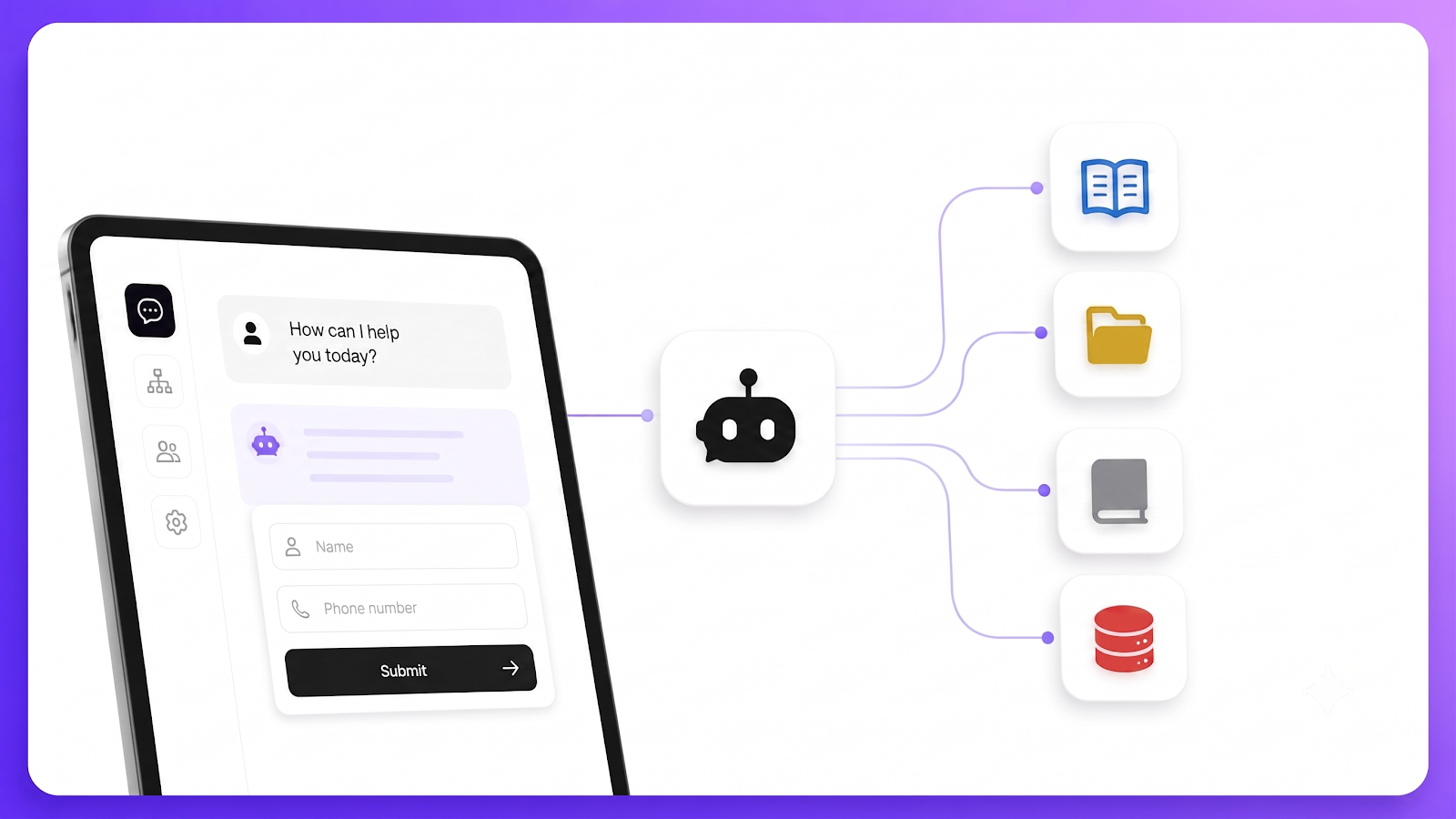
An internal AI agent solves this by turning your existing SOPs, policies, and documentation into something your team can simply ask a question and get an answer from instead of searching, scrolling, or interrupting a coworker.
The Real Cost of Scattered Internal Knowledge
When internal information isn't easy to find, the cost shows up in ways that are easy to overlook:
- New hires take longer to become productive because onboarding means reading (or being told) where everything lives
- Experienced employees get repeatedly interrupted with questions they've already answered before
- Policies get applied inconsistently because people are working from memory instead of the actual current document
- Time gets lost every week to searching rather than doing
None of this is dramatic on its own. It just quietly adds up.
What an Internal AI Agent Actually Does
Instead of asking a teammate "where's the expense policy" or "what's our process for X," an employee asks the agent directly and gets an answer pulled from your actual, current documentation not someone's memory of it from six months ago.
This works the same way a customer-facing agent does, just pointed at internal content instead of external:
- Onboarding docs - so new hires can ask questions instead of waiting on a teammate
- Policies and SOPs - HR policies, expense procedures, approval workflows
- Technical documentation - internal API references, deployment steps, tooling guides
- Process guides - anything that would otherwise live in a "how do I..." Slack thread
Setting One Up
1. Train the agent on your existing docs
Upload your SOPs, policy PDFs, or paste in URLs to your internal wiki or knowledge base. There's no need to rewrite anything the agent works from what you already have.
2. Set its tone for an internal audience
An internal agent can be more direct and less "brand voice" than a customer-facing one. The priority is clarity and accuracy over personality.
3. Deploy it where your team already works
A standalone chat link shared internally, or embedded into an internal tool or intranet page, means your team doesn't need to learn a new system they just ask a question where they already are.
4. Keep it current
The moment a policy changes, update the source document and retrain. This is arguably the biggest advantage over a static wiki page: an agent trained on updated content immediately reflects that change, rather than someone forgetting to update a page that's since gone stale.
Where This Matters Most
Internal AI agents tend to pay off fastest for:
- Fast-growing teams, where onboarding volume outpaces the team's capacity to personally walk new hires through everything
- Distributed or remote teams, where there isn't always someone nearby to ask
- Companies with dense compliance or process documentation, where getting an answer wrong has real consequences
The Bottom Line
An internal AI agent isn't about replacing communication between teammates — it's about removing the repetitive, low-value interruptions so people can spend their attention on the harder, more useful conversations. If your team has documentation sitting somewhere unused, turning it into a searchable agent is one of the fastest ways to get value out of information you've already written down.
Have documentation that could become an agent?
Build your first one on Doupple for free - no credit card required.